
Save a place from Google Maps
Someone sends you a Google Maps link, or you come across a place while browsing the map. In a few seconds it joins your map.
-
Step A1·1Copy the place's link
In Google Maps, open the place, tap “Share” then “Copy link”. If it was sent to you in a message, just copy it.
-
Step A1·2Open the + button
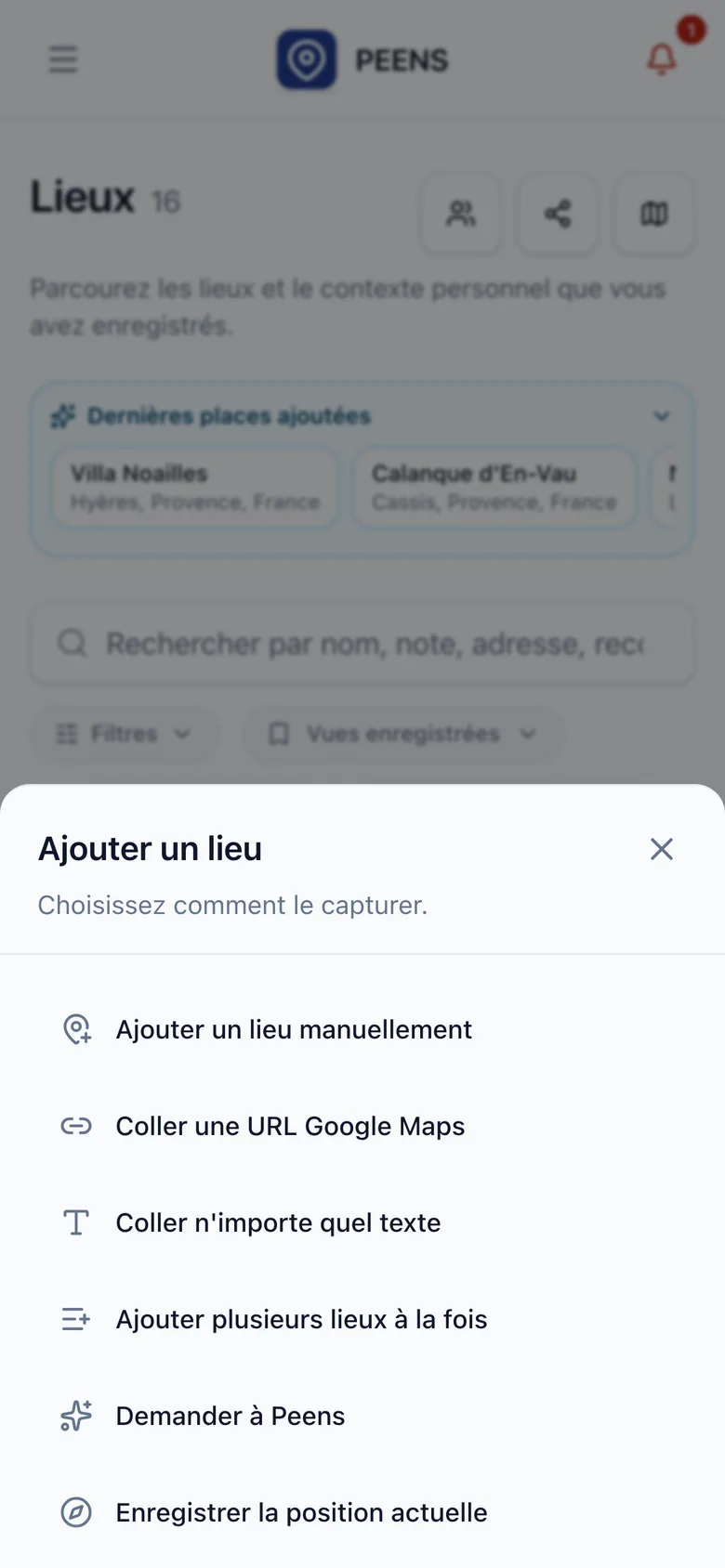
In Peens, tap the + button at the bottom right. The “Ajouter un lieu” (Add a place) menu opens.
-
Step A1·3Choose “Coller une URL Google Maps”
That's “Paste a Google Maps URL”. Paste the link: Peens finds the name, address and position. Add who recommended it in “Recommandé par”, then save.
Real app screenshots, demo account (the app is in French)