
Import your Mapstr places
If your places are in Mapstr, no need to type them all again: import your export and Peens does the rest.
-
Step D1·1Export from Mapstr
In Mapstr, request an export of your places (CSV or GeoJSON file).
-
Step D1·2Réglages, then “Import Mapstr”
In Peens, open Réglages (Settings), Données (Data) section, and choose your file.
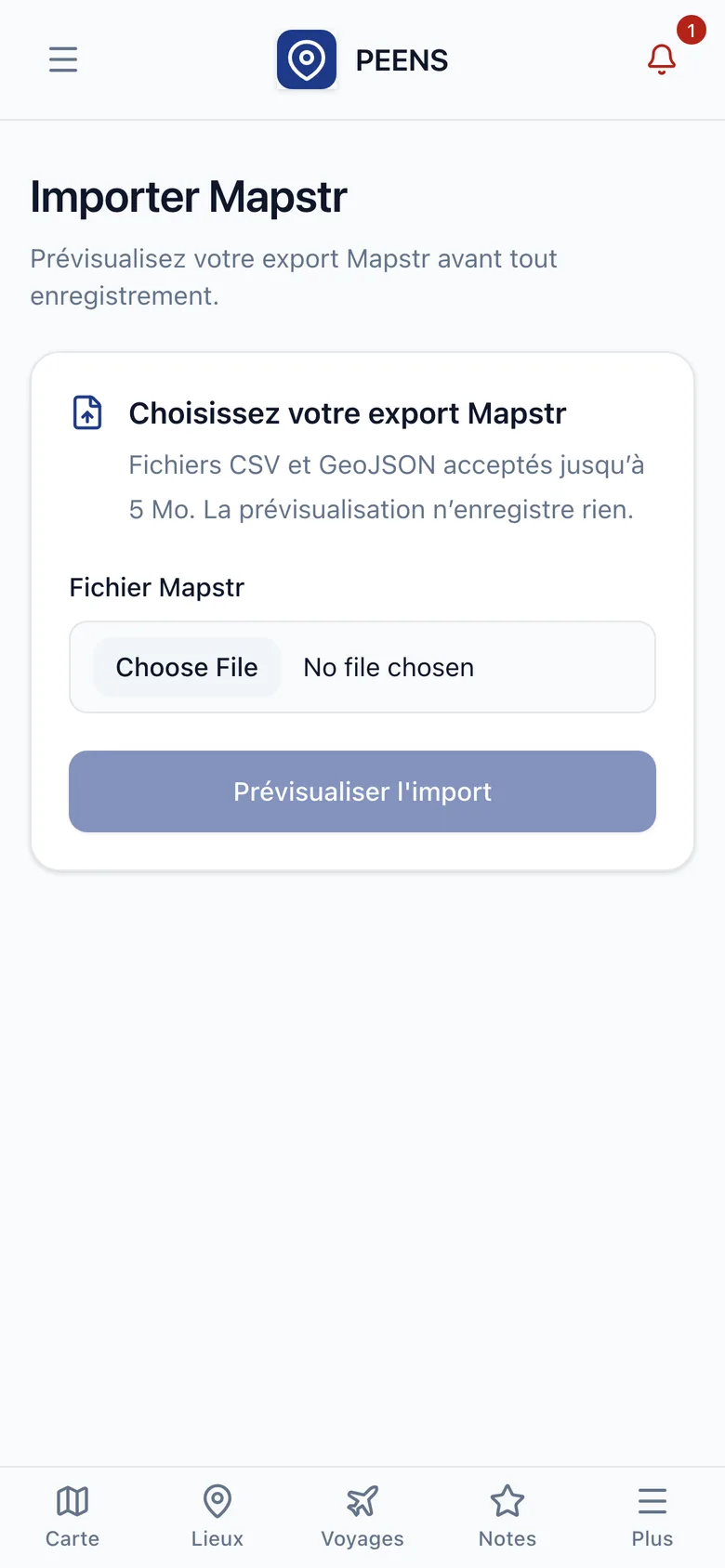
-
Step D1·3Check the preview, then import
Peens shows the valid rows, possible duplicates and the tags it found. Untick what you don't want, then confirm.
Real app screenshots, demo account (the app is in French)